
If you’re like most people, you’ve got handwritten recipes from your grandmother, pages from Southern Living, and links stored within about 10 different websites.
Several years ago, a friend recommended Paprika app. While it’s no substitute for the intimate connection of a handwritten index card recipe splattered with grease or a beloved sauce, Paprika has been a great tool for me. I’ve shared below a few things that I like about this app.
Scanning Recipe Websites
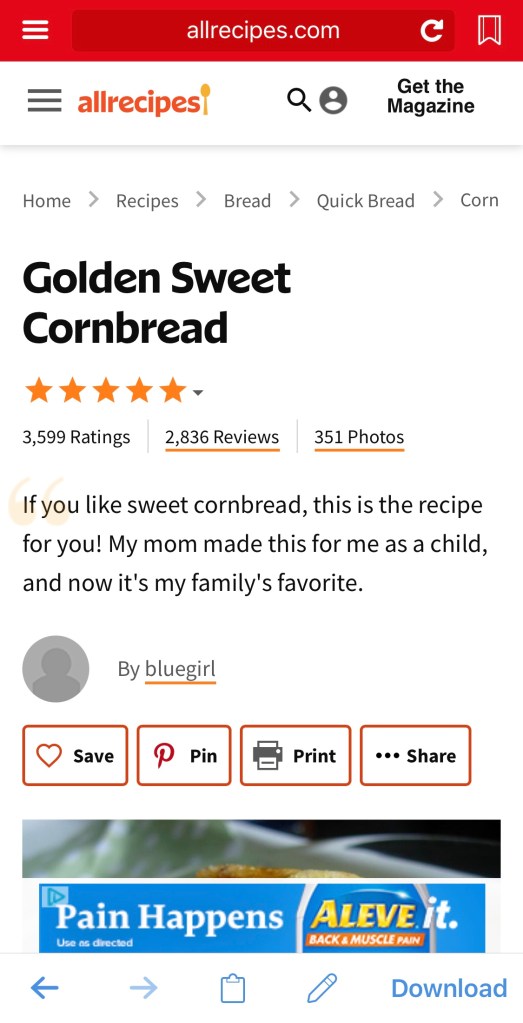
My favorite and most used tool within Paprika is that it has this amazing ability to scan a webpage and pull out the ingredients and instructions. So, when I find a recipe that I like online, I copy the URL or use Paprika’s browser tool, and Paprika pulls the recipe into the app. When I’m looking through Southern Living and find a recipe I’d like to try, I use Paprika’s browser tool to search for and import the recipe.
Organizing
My wife, Vicki, has a great saying about organization. She says: “I don’t have a storage problem. I’ve got a retrieval problem.” This is so true! If you can’t retrieve what you’ve stored, it doesn’t matter how good your storage system is.
My challenge is that I often use too much detail in my storage. When it comes to recipes, I try to keep it simple. I tend to use categories to indicate the cooking method (i.e. smoker, instapot, slow cooker), kind of protein (i.e. beef, port, seafood, chicken, fish), and cuisine (i.e. Mexican, Italian). Somewhere along the line, I started using “want to try” to help highlight new recipes that I wanted to try.
Scaling
On those occasions that I’m preparing a meal for a larger group, Paprika allows recipes to be scaled. As you may know, I like to experiment. So, I sometimes have a limiting ingredient. I use the scaling tool to help me figure out how much I can make within my constraints. You do have to be aware that only the items in the ingredients list are scaled. Quantities in the instructions are not scaled.
Meals
We love having dinner parties. Feeding people, hanging out, talking, enjoying the company of friend … what could be better?! Once I find the recipes I want to use, I can add them as a meal on a particular day for a particular time of day. This is super helpful when I’m working the kitchen and need to flip back and forth between recipes.

Menus
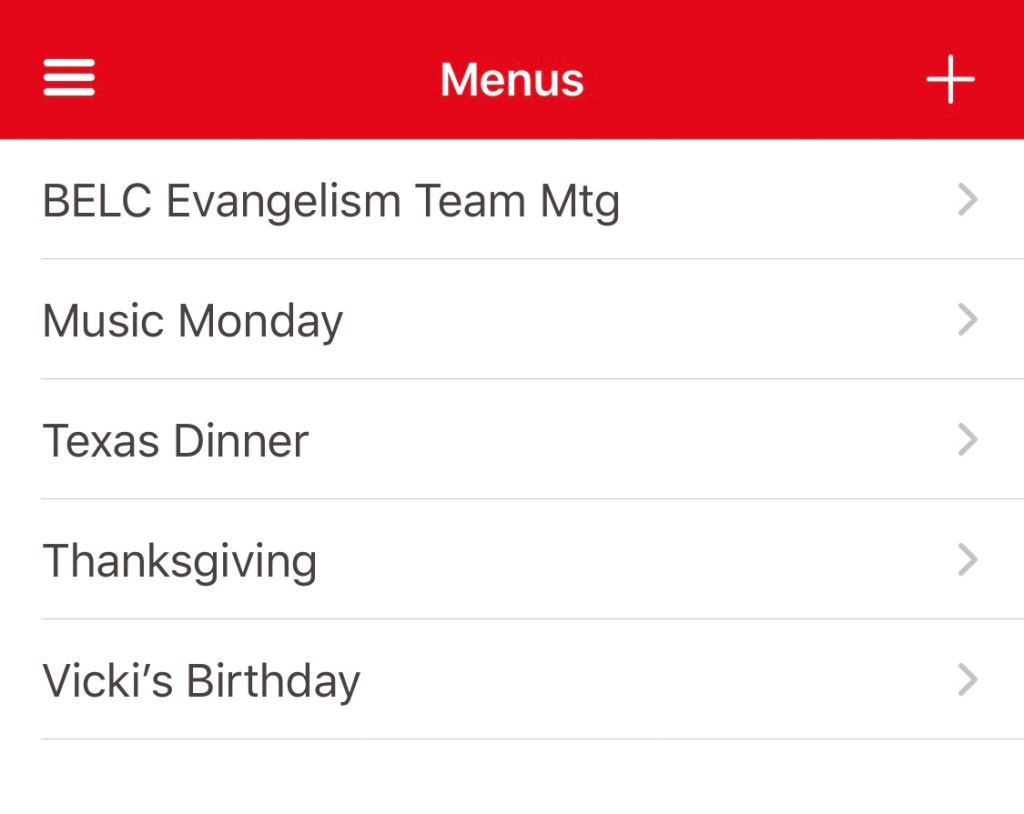
Then there are those meals you want to repeat. The main meals I repeat are Thanksgiving and Vicki’s birthday. After creating these menus, I can add all of the receipts that I want to be sure I have all in one place.
Groceries
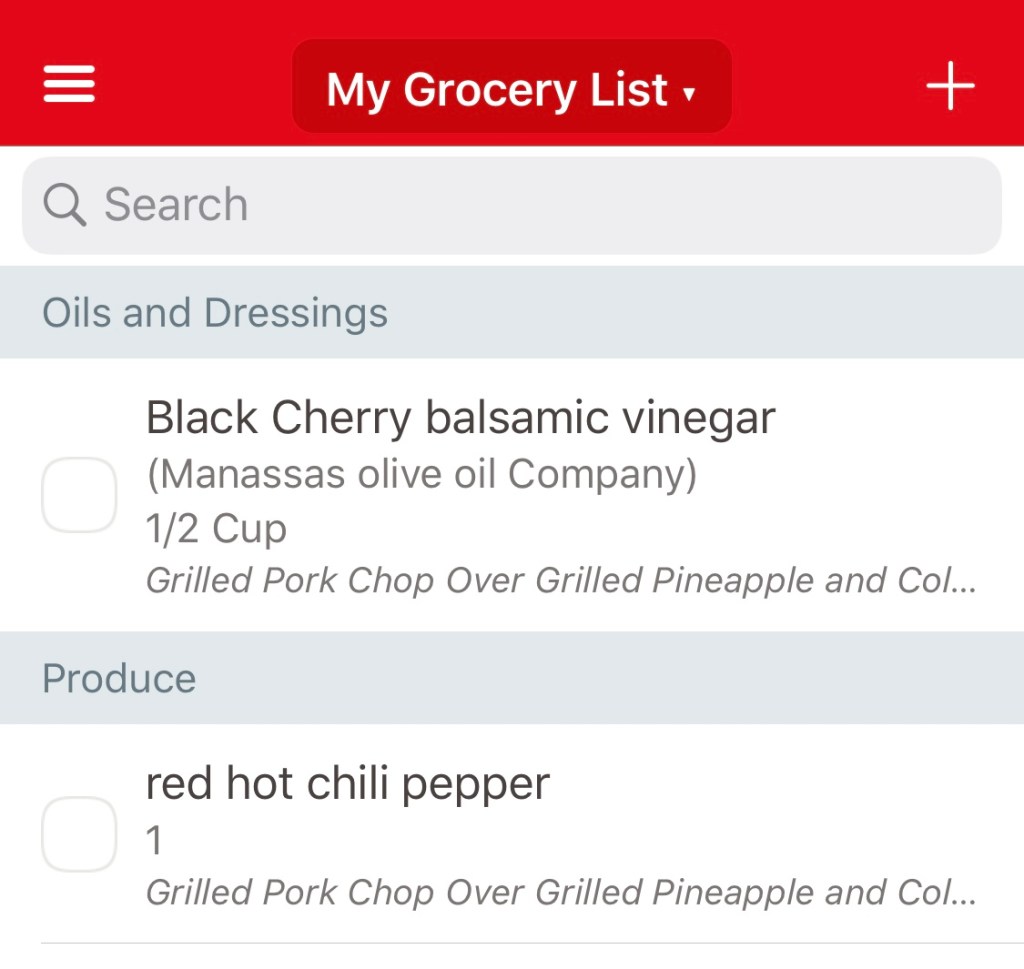
Here’s the cool thing … whether you’re looking at an individual recipe, menu, or meal, you can add items to your grocery list. Personally, I don’t use this all of the time, but I find it very helpful when I’m preparing a larger, more complicated meal. And, yes, if you’ve scaled any recipe, the correct quantities are added to your grocery list.
Syncing
While I love the handwritten recipes, my greatest concern is what happens if something happens to those recipes. If there is a fire, water damage, a rodent, or a particularly messy meal prep, that recipe card is gone.
Sharing
Paprika syncs to the cloud, so, if you lose your phone, your recipes are safe. If a device fails, the data can be restored.
What do you use?
How do you organize your recipes?


 Epicurious Lutheran
Leave a comment